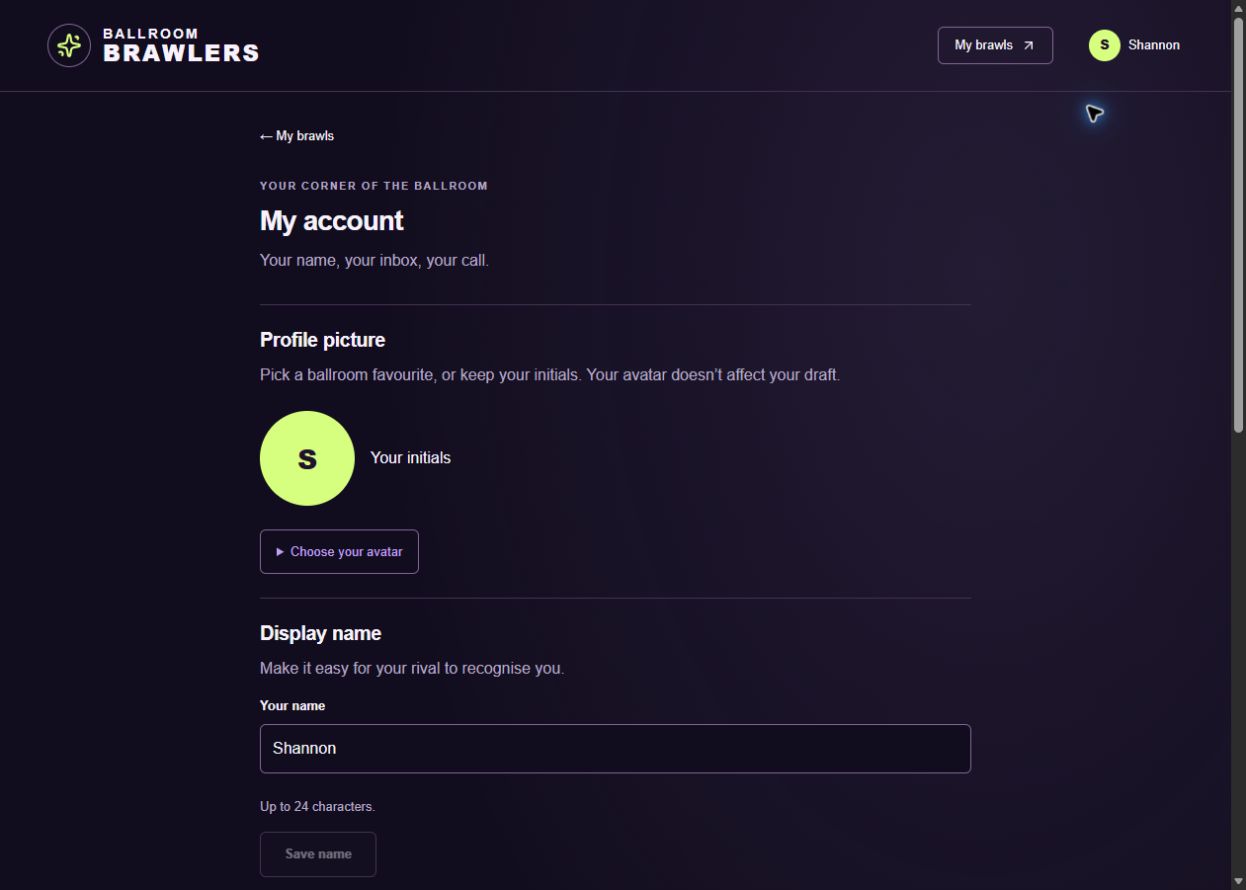
Open My Account from your name or avatar. Save each change using the button in its section.
1. Open My Account and edit your name
Select your name or avatar in the top-right corner. Under Display name, enter the name you want your rival to see, then choose Save name.
Display names can be up to 24 characters. Updating yours does not change ownership of your team or its saved picks.
2. Choose your ballroom face
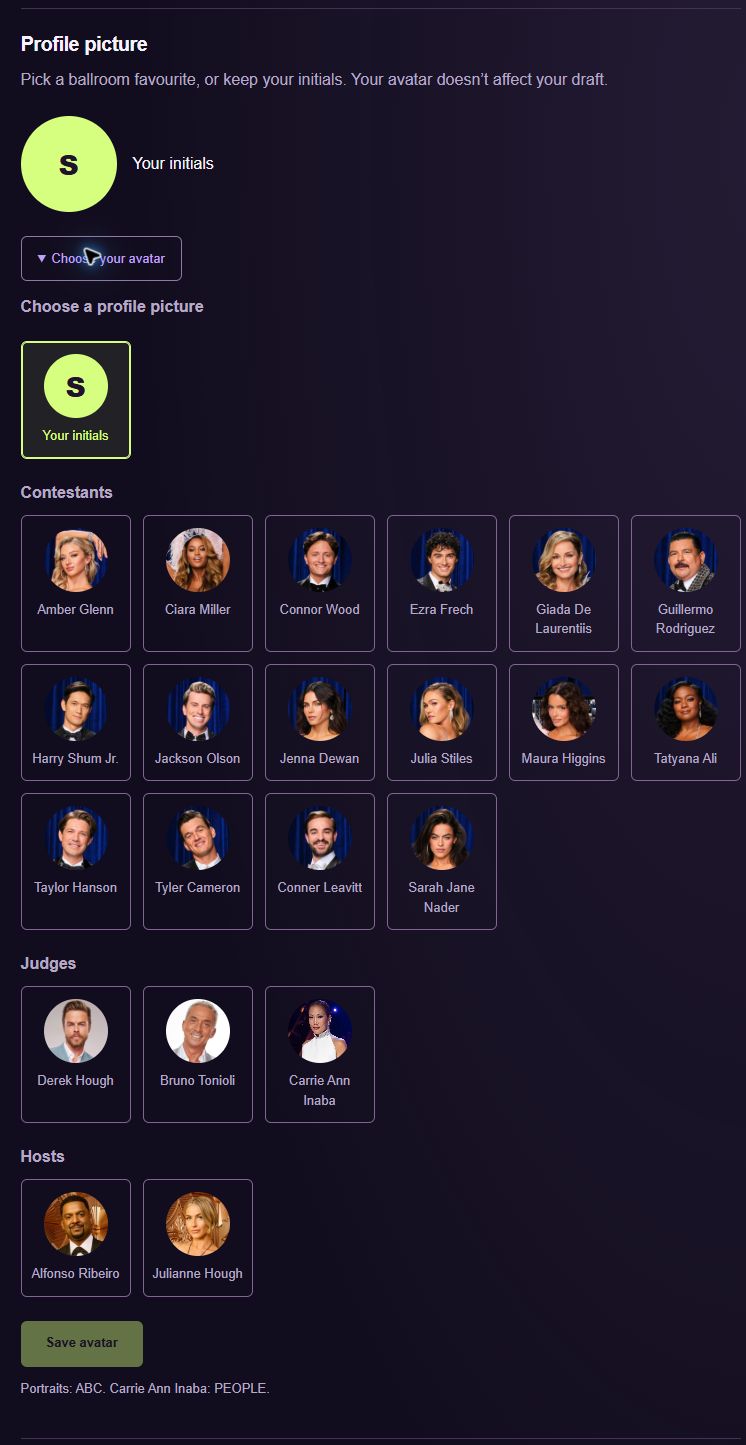
Open Choose your avatar to see the preset portraits. Choose a contestant, judge or host, check the preview, and save your avatar. You can switch back to your initials.
This is a profile picture choice, independent of the draft. Choosing a contestant as your avatar does not put that couple on your roster. Personal photo uploads are not currently available.
3. Manage your sign-in email
My Account also has an email-change section. Enter the new address and follow the confirmation instructions sent by the sign-in service. A pending address is not the same as a confirmed change.
Changing your Ballroom Brawlers email does not change the address on your Google account. Public accounts sign in with Google or an emailed code.
4. Set your email preferences
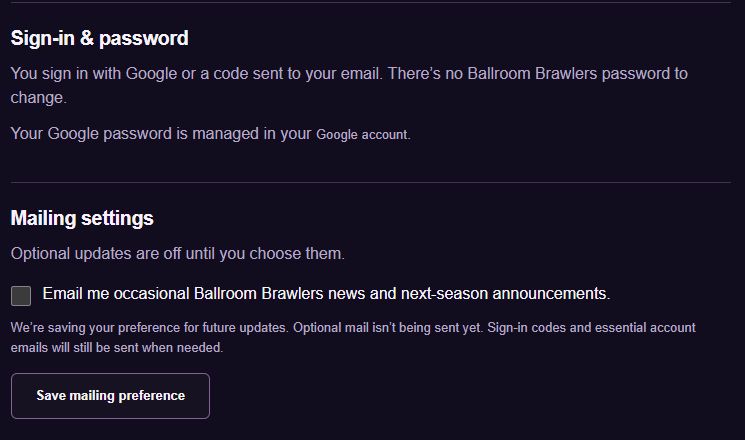
The news preference is for occasional Ballroom Brawlers news and next-season announcements. It is optional and starts switched off. News emails are not being sent yet.
Prediction reminders have a separate setting. When enabled for the site, they are sent only if you still have predictions to submit, four hours before the saved deadline. Turn them off in My account or use the unsubscribe link in a reminder. Save each preference after changing it.
Common questions
Will a new avatar affect my draft?
No. Your avatar is separate from your roster, predictions and scores.
Can I upload my own photo?
Not currently. Choose a preset portrait or keep your initials.
Screens captured September 28, 2026. The cast, deadlines and scores shown are examples from that date; follow the current details in your own brawl.